Guides/Captions and voices
Auto-captions
One button transcribes a clip on your machine and puts a title per phrase on the timeline. Where the button is, which model to pick, and how to restyle the result.
Where the button is
Generate Captions is the T button on the timeline tray, right after the magnetic switch. On a phone it is Captions on the bottom strip.

The T opens Captions; the speaker next to it opens Text to speech.
Caption a clip
- Select the clip with the voice in it on the timeline. A video with its own sound works, and so does a separate audio clip, such as a voiceover.
- Click Generate Captions.
- Pick a Model. Base (English) is the sweet spot; the sheet lists whichever Whisper models you have downloaded.
- Choose a Placement (Bottom, Centre or Top) and a Size (Small, Medium, Large).
- Click Generate captions.
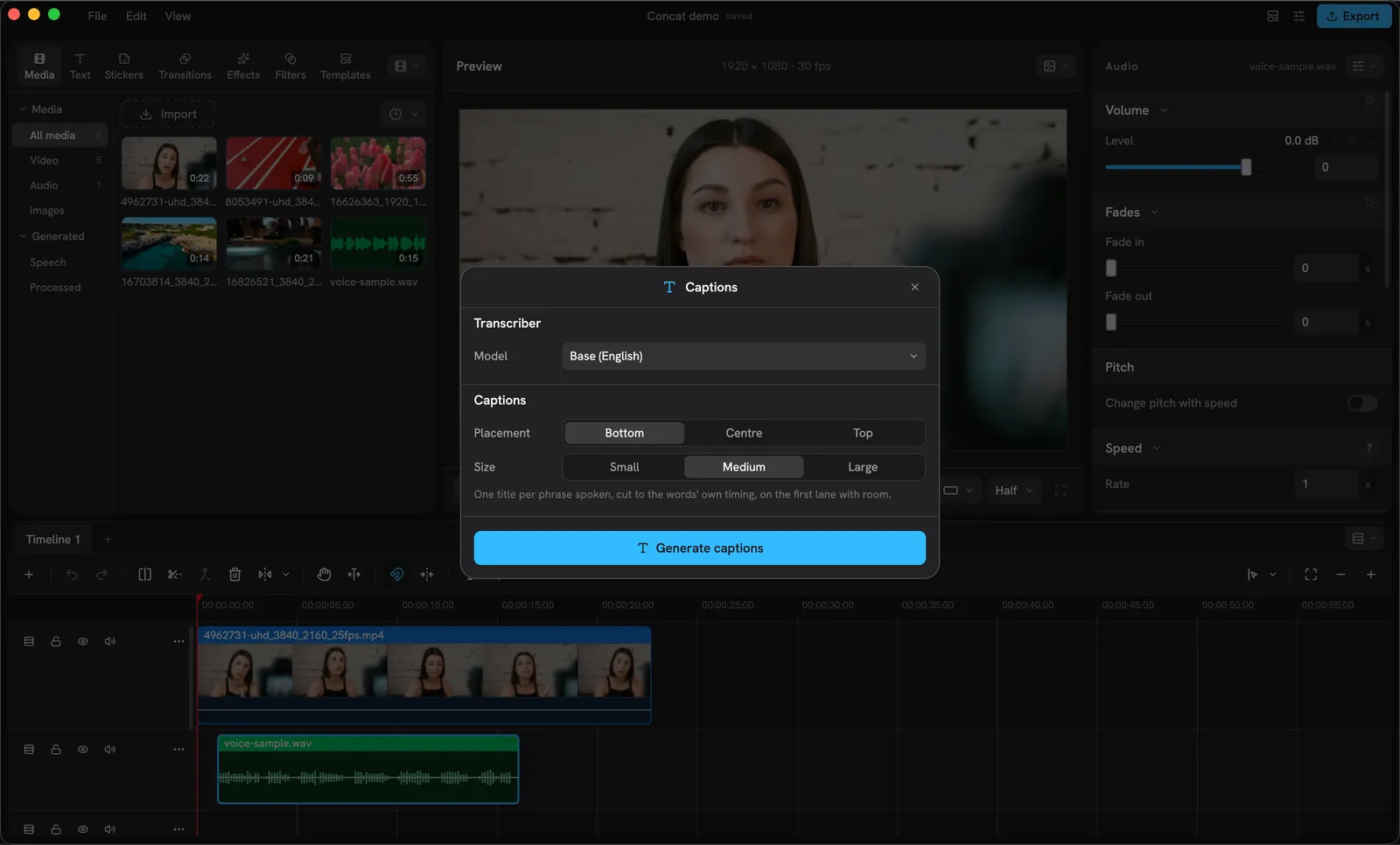
The Captions sheet, opened with the voice clip selected.
The sheet reads “Loading the model”, then “Transcribing” with a percentage. Nothing leaves your machine at any point; a 15-second clip takes a few seconds on the Base model.
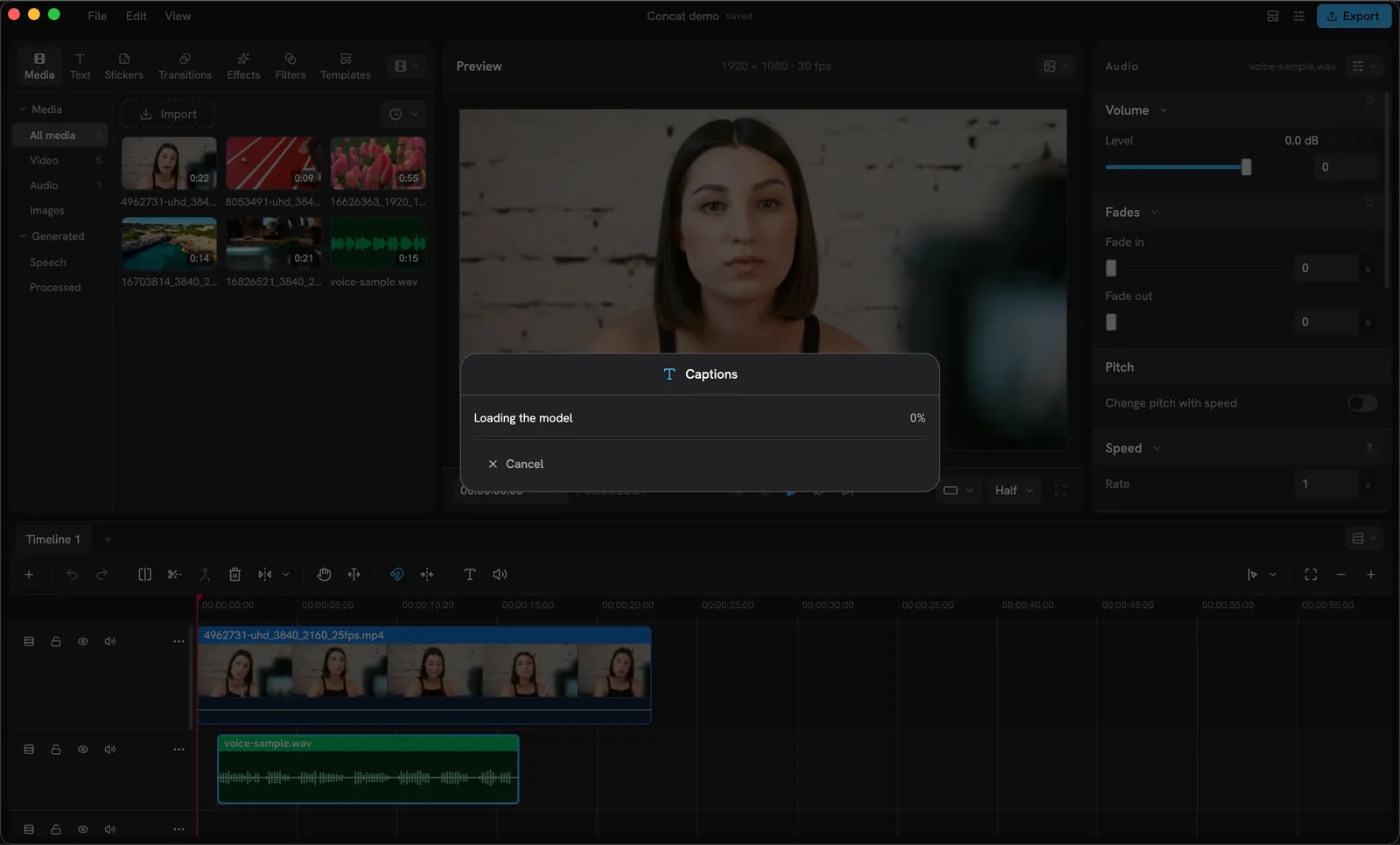
Loading the model, then transcribing.
When it finishes, one title per phrase spoken lands on the first lane with room, cut to the words’ own timing, and a toast says how many captions were added.
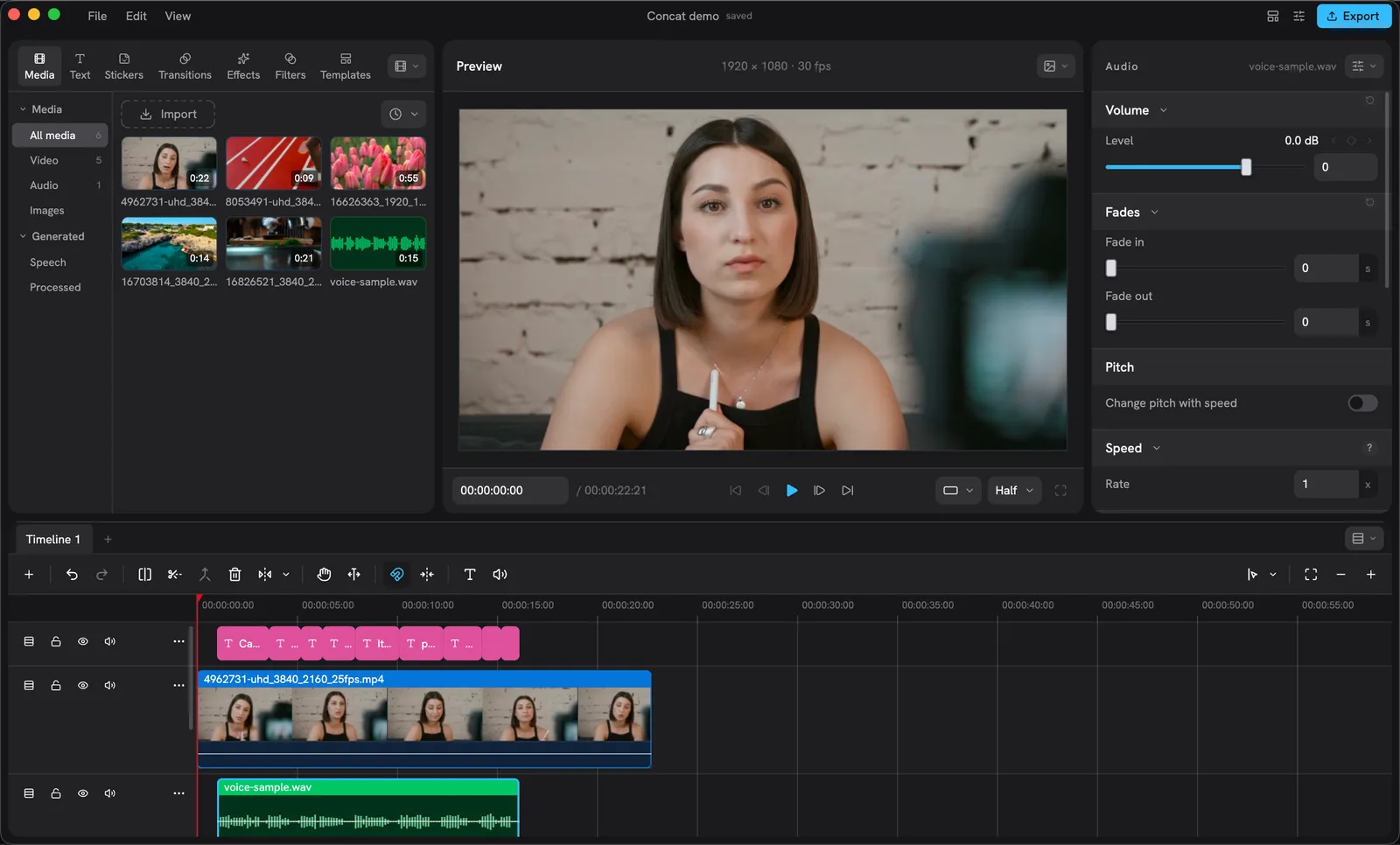
Seven captions on a new lane, each one timed to a phrase.
Caption from a script
With no clip selected, or a clip with no sound, the sheet shows a Script box instead of the model picker. Type or paste the words, choose placement and size, and click Add captions: one title per sentence, each held for as long as it takes to read, one after another.
Fix a word
Captions are ordinary titles. Click one on the timeline and its words are in the Content box of the Inspector’s Text tab; fix the word there. Drag the clip’s edges to retime it.
Restyle every caption at once
- Click one caption, then Shift-click the others (or drag a box around the lane) to select them all.
- The Text tab reads “Editing N titles”. Change the font, size, colour, shadow or background plate: it applies to all of them in one undo step.
To make that look the default for every caption and title you add from now on, click Use for new titles under the Font picker. Generated captions use that kept style.
Why a word is wrong
Whisper hears what it hears: product names, names of people and anything mumbled come out as the closest common word. The Small models get more right; a quiet room helps more. Fix the odd word in the Content box rather than reaching for a bigger model every time.